What LiquidFrames can do
Everything here works in our local tests. LiquidFrames is in early development, so details can still change before release.
Syluxium Motion
LiquidFrames' own frame generation engine, written from scratch. It looks at two real frames and creates the frames in between, and it's light on your graphics card.
| Measured on an RX 7700 XT | GPU time |
|---|---|
| One generated frame at 720p | 1.1–1.3 ms |
| One generated frame at 1080p | 1.6–2.0 ms |
| Each extra frame at 3× or 4× | < 0.1 ms |
It handles sliding objects, camera pans, rotation, zoom and lighting changes like flashes and fades. On-screen overlays such as HUD text and crosshairs are detected and left sharp. Where moving objects cover or uncover the background, edges are getting cleaner with every update. Very fast motion and thin repeating structures are still being worked on: see Status.
Any ratio, perfectly timed
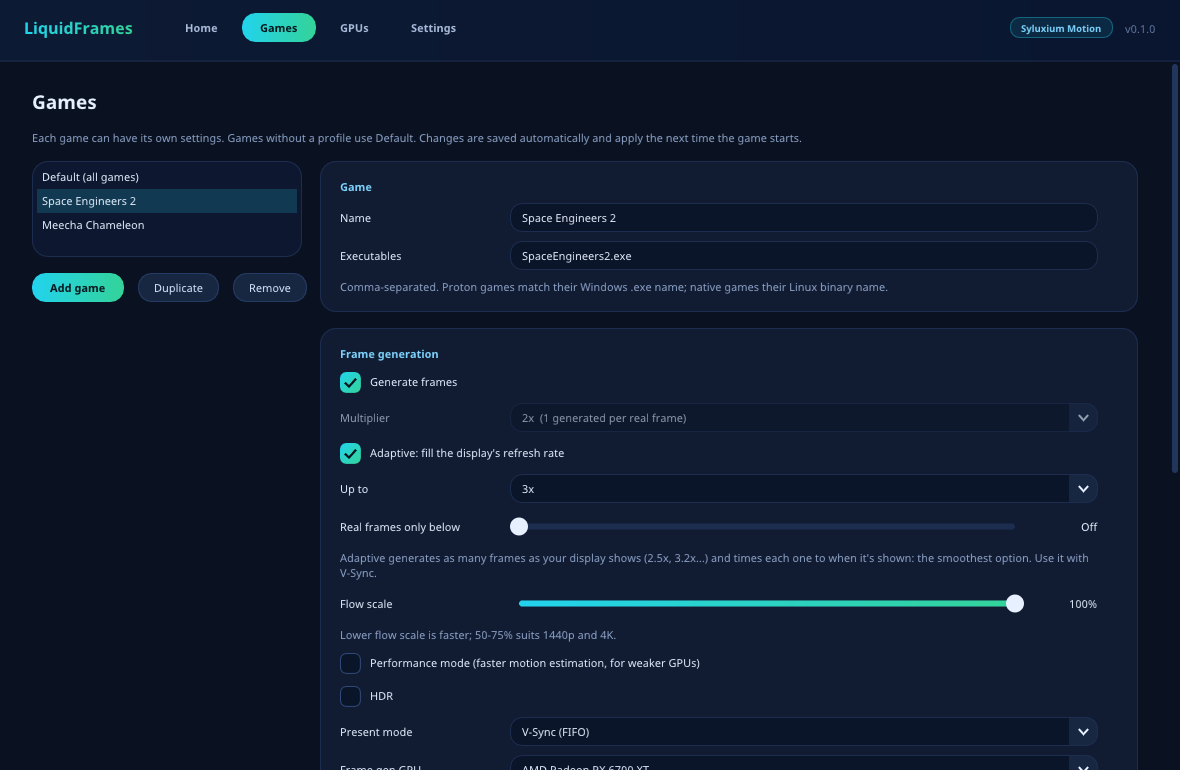
Adaptive mode fills your display's refresh rate at any ratio and times every frame to when it's shown. A 40 fps game on a 100 Hz display:
| Mode | Shown | Jitter |
|---|---|---|
| Fixed 2× | 80 fps | 4.3 ms |
| Adaptive, one GPU | 100 fps | 0.1 ms |
| Adaptive, dual-GPU | 100 fps | 0.02 ms |
| Adaptive, dual-GPU, picture from the second card | 100 fps | 0.04–0.12 ms |
Practically perfectly even frame times. Measured on an RX 7700 XT, dual-GPU with an RX 6700 XT. Adaptive mode needs V-Sync (FIFO) turned on.
A second graphics card
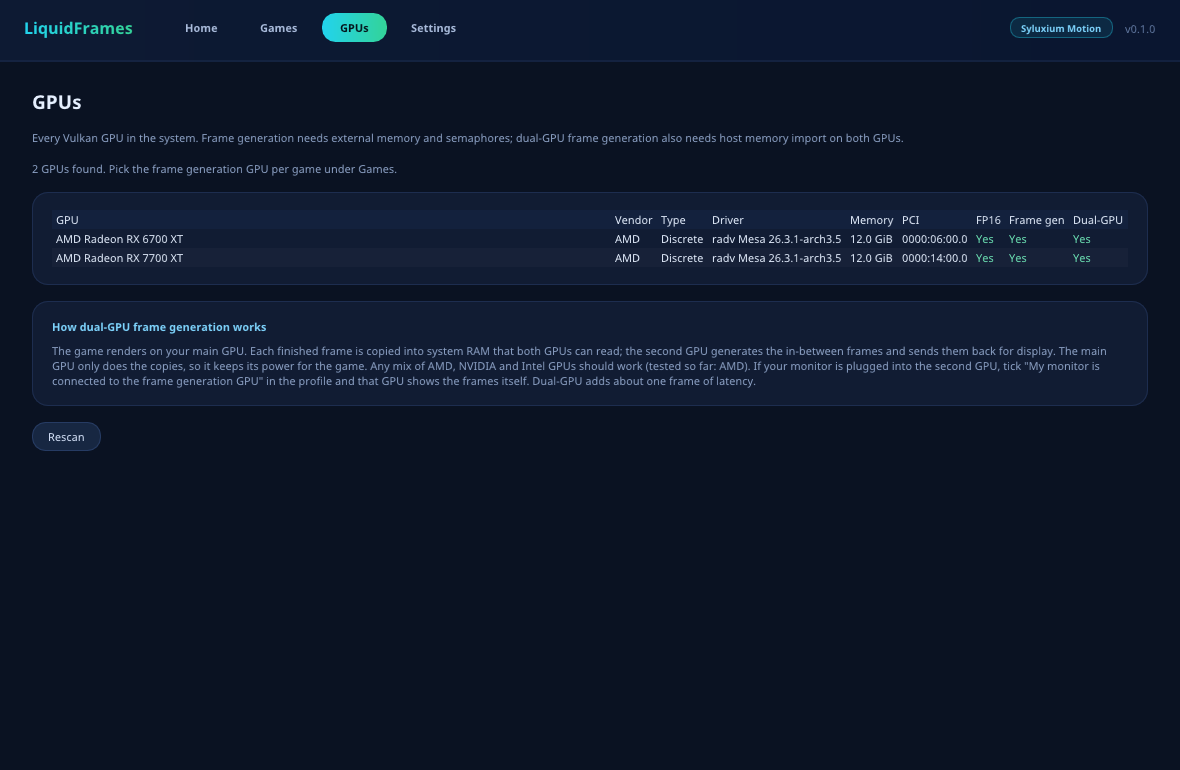
Run frame generation on a second graphics card so the main one keeps all its power for the game. Mixing AMD, NVIDIA and Intel cards should work. Tested in real games on a Radeon RX 7700 XT plus an RX 6700 XT: Space Engineers 2 at 1920×1080 with every setting maxed, running at 35–60 fps, was shown at up to about 110 fps, with frame generation using 25–55% of the second card. DirectX 12 games through VKD3D-Proton work too.
Real display timing
Measures your monitor's real refresh rate and when frames reach the screen (Vulkan present timing), and corrects itself to keep latency low.
Real frames when it's too slow
In adaptive mode, below a game frame rate you choose, only the game's real frames are shown, avoiding artefacts at very low fps.
Click to hook & profiles
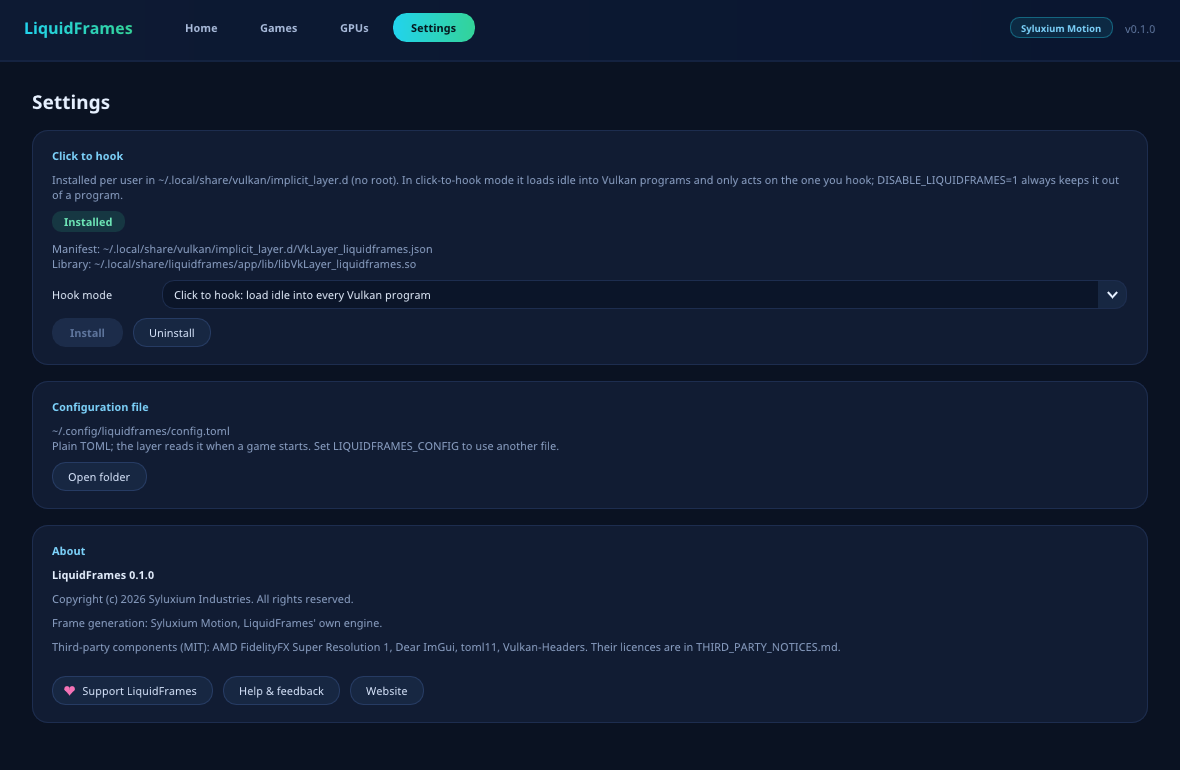
Press Start, click the game window. Works with any window on KDE Plasma, and with X11/XWayland windows (Proton games) elsewhere. Per-game profiles remember your settings.
Upscaling
FSR 1, integer, nearest and bilinear.
Report GPU as
Can let games that refuse unsupported cards start anyway. Your own card still does the work.
Older cards
Runs on older graphics drivers, aiming at AMD Vega and NVIDIA GTX 600 series and newer. Testers wanted!
Light on your system
The app only redraws when something changes: about 1% CPU and 55 MB of memory while idle.
Games
Vulkan, DXVK and VKD3D-Proton, also in Steam's container. No root needed.